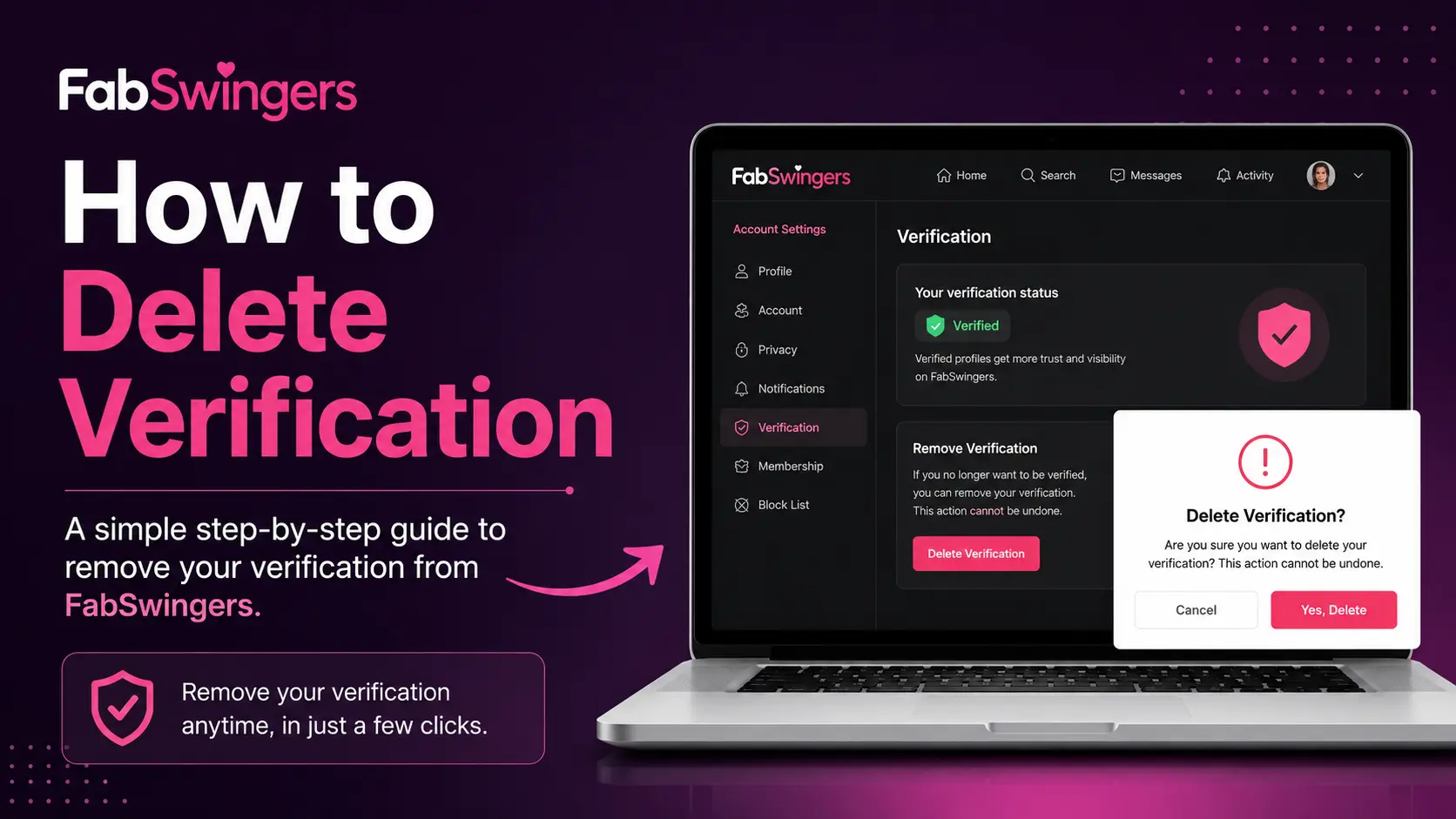
If you’ve previously verified your profile on FabSwingers but no longer want your verification status displayed, you may be wondering whether it’s possible to remove it. Verification is designed to help members prove they are genuine users, but some people later decide they want more privacy or wish to start over with a new account.
This guide explains what FabSwingers verification is, whether it can be removed, and the options available to users.
Contents
What Is Verification on FabSwingers?
FabSwingers uses a photo verification system to confirm that users are real people. During the verification process, members typically upload a photo of themselves holding a piece of paper showing their username and the FabSwingers website name. Once approved, the profile receives a verification status that helps build trust with other members.
Can You Delete Verification on FabSwingers?
Unfortunately, FabSwingers does not provide a dedicated button that allows users to simply remove their verification badge or verification history.
Once a profile has been verified, the verification status generally remains associated with that account. The platform does not publicly document a feature for manually removing verification.
Option 1: Delete or Swap the Verified Photos
If your verification is tied to a specific “verified photo” on your profile, removing that image is usually the quickest way to strip the public verification badge.
- Log In to your FabSwingers account.
- Navigate to your Profile Dashboard and click on your photo gallery or image management settings.
- Locate the specific photo that was used for your verification.
- Select Delete.
What to expect: On most platforms of this nature, deleting the core photo used to grant your verification status will automatically trigger the system to drop your verification badge, as the media no longer matches your active profile.
Option 2: Request Direct Removal via Support
If your verification was done via an ID check or a manual process by the moderation team, it cannot be undone from your user settings dashboard. You will need to contact the site administration directly.
- Open the Help / Support section of the website.
- Open a new support ticket.
- Use a clear subject line like: Request to Remove Profile Verification Status.
- State clearly that you no longer wish to have the verified badge on your profile and would like any stored verification media or data purged from their backend systems.
Note: Support teams are usually required by data privacy laws (like GDPR or CCPA depending on your location) to comply with data deletion requests, though they may inform you that removing verification will restrict your access to certain verified-only areas of the site.
Option 3: Full Profile Deactivation
If your primary concern is that your real identity or verified status is permanently floating around the platform, the most secure route is a complete account deletion. This wipes the profile, the verification history, and your associated data completely.
- Go to your Account Settings.
- Scroll to the bottom to find the Disable Account or Delete Profile option.
- Confirm the deletion.
If you choose this route, remember that it is permanent. If you decide to return to the platform later, you will need to start fresh with a completely unverified profile.
What Happens After Account Deletion?
When you delete your account:
- Your profile becomes inaccessible.
- Messages and profile information may be removed from public view.
- Verification status is removed along with the account.
- If you register again in the future, you may need to complete verification from the beginning.
Can You Hide Verification Instead?
FabSwingers does not publicly list a setting that allows users to hide their verification badge while keeping the account active. If privacy is your concern, consider:
- Making personal photos private.
- Limiting profile visibility.
- Removing unnecessary profile information.
- Contacting support for assistance.
Frequently Asked Questions
You may be able to delete photos stored in your gallery, but verification records are generally maintained by the platform for account authenticity purposes.
Yes. Since verification is linked to your account, deleting the account should also remove the associated verification status.
You can create a new account, but some features may require verification, and the platform strongly encourages verified profiles.
Verification is typically reviewed by moderators and can take several hours, depending on workload.
Final Thoughts
FabSwingers does not currently offer a straightforward option to remove verification from an active account. If you no longer want your verified status displayed, contacting support is the best first step. If that doesn’t resolve the issue, deleting your account and starting fresh may be the only effective solution. Before taking any action, consider whether adjusting your privacy settings can address your concerns without losing your account history.